How to Build and Verify Private Connectors in Enterprise Environments
Build connectors against real documentation first, then verify inside the customer's locked network.
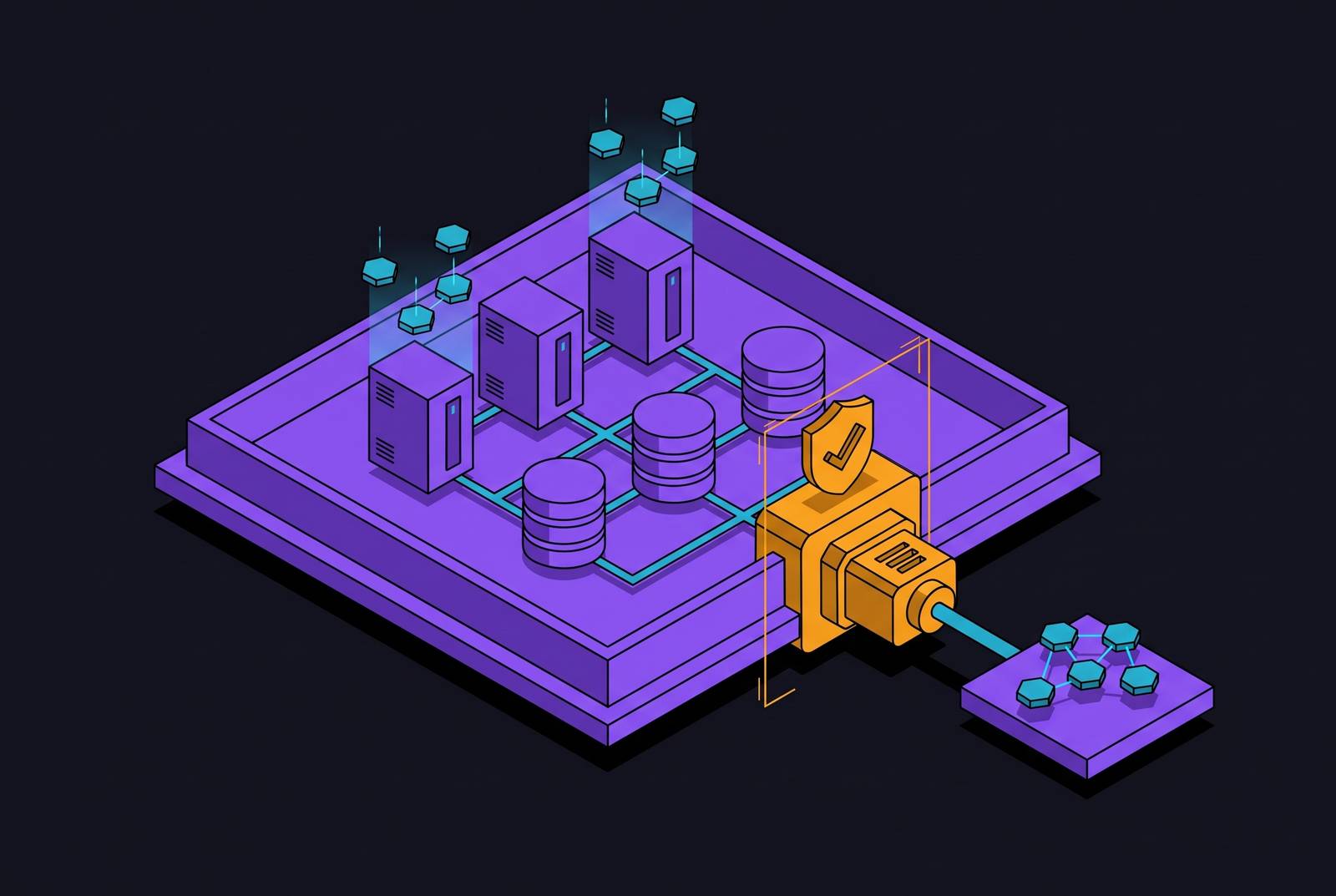
To connect an AI agent to a private internal system, you first build the connection from written documentation. Then you confirm it works inside the customer's real environment. That is the only order that works when no public test endpoint exists.
Why you cannot guess how a private system works
Some company systems sit behind a network wall. They have no public address, no shared login service, and no test environment you can reach from outside. You cannot fill in the blanks with a quick call. You need the exact address, the credential format, the data shape, and the permission level before you can even try a connection. The fact that a system is locked away changes both what you can prepare in advance and what must wait until you are inside the customer's network.
Off-the-shelf integration tools are useful when a standard connector matches the target system. But a standard connector cannot tell you whether a private address resolves inside a customer's network. It also cannot tell you whether their internal login service accepts the credential type you plan to use. A published specification cannot prove that a specific installation returns the same data fields. This limit applies to any tool attempting the connection, not just one.
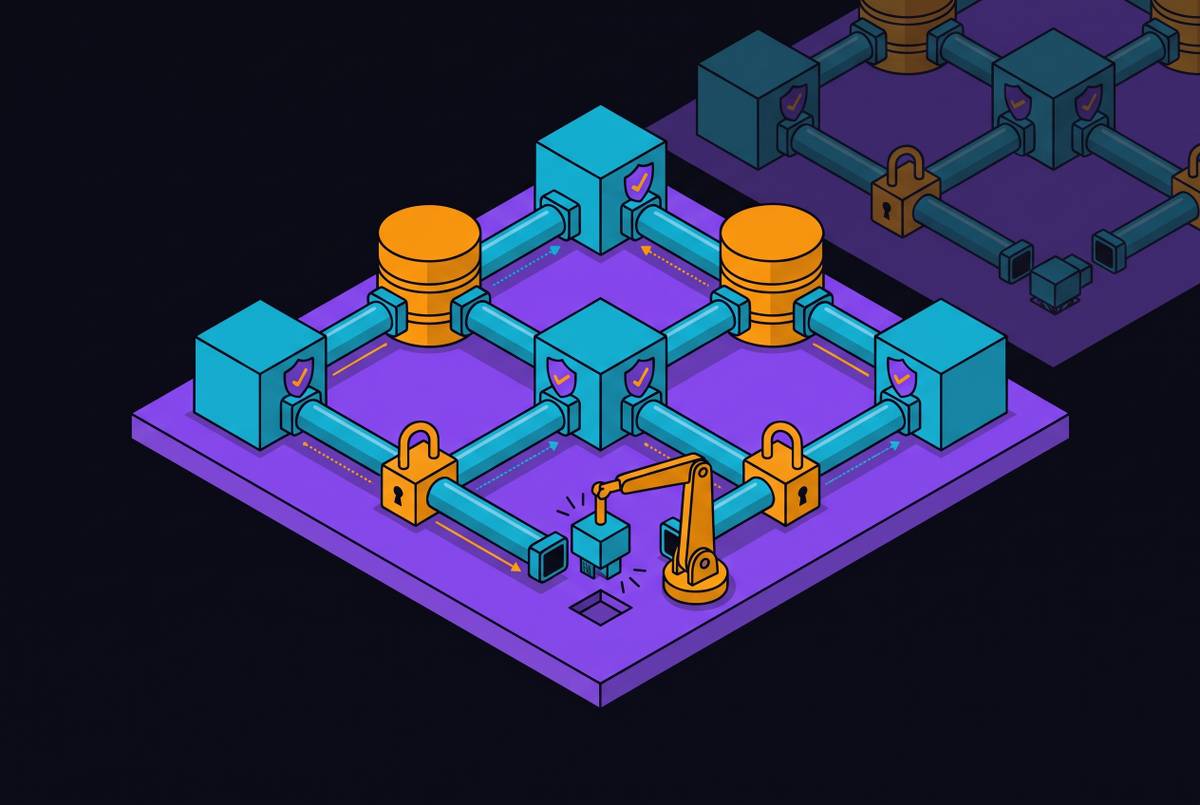
How locked-down the environment is shapes when and where checks can happen. A VPC (a private section of cloud infrastructure with no public internet access) keeps systems in private subnets. An on-premises setup keeps everything inside the company's own building and network. An air-gapped system has no outside network connection at all. Each setting limits verification differently. Treating them as the same hides problems you must address.
An agent could act inside a live system using outdated connection assumptions. There is no external fallback if something goes wrong. The work requires two steps in order: build from documentation first, then verify against the real environment.
What building from documentation actually involves
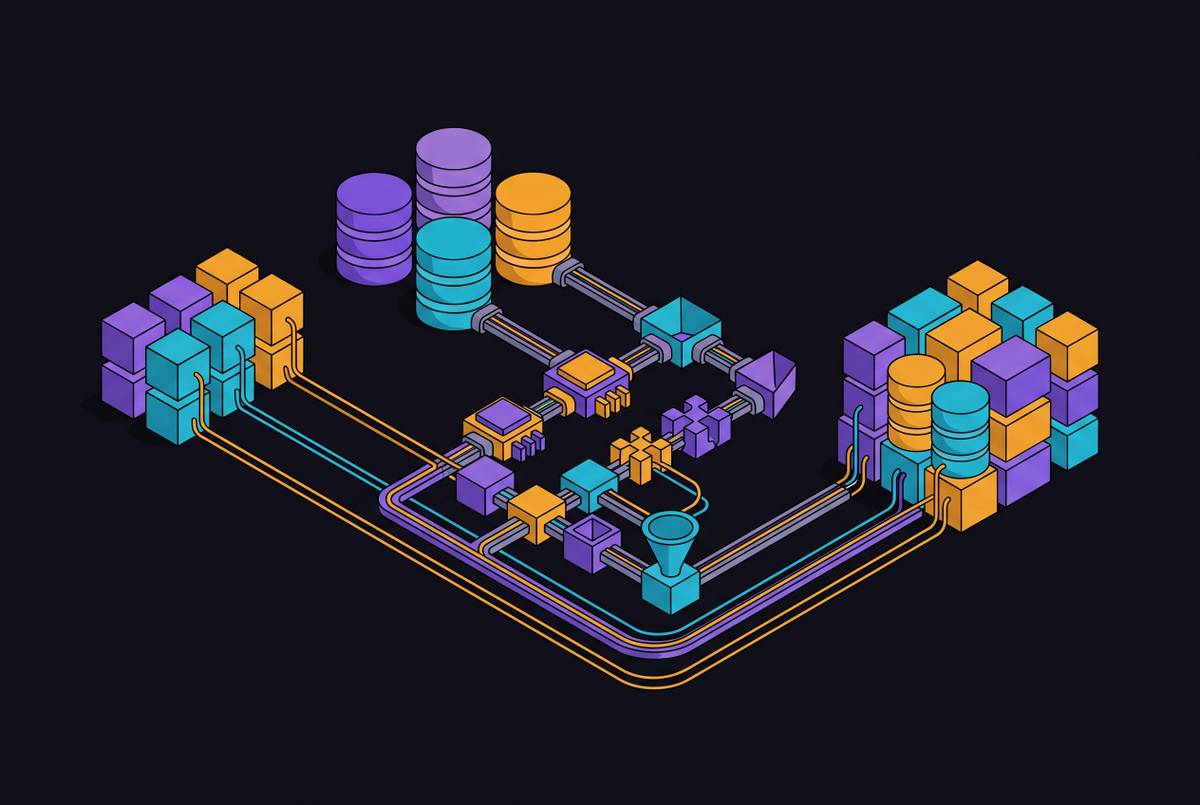
Building from documentation means creating a working model of how the API (the interface a system exposes so other software can talk to it) behaves. That model covers the addresses the connector will call and the methods it will use. It also covers the data it will send and expect back, error handling, and version details. It includes login and authentication, data shapes, error codes, and the permissions needed for each action.
The login specification becomes the connector's credential contract. Depending on the system, this might be OAuth 2.x, bearer tokens, API keys, mutual TLS (a method where both sides prove their identity before connecting), SAML, or a custom scheme. The build must account for tokens expiring, refreshing, and rotating where needed. Knowing the credential type alone is not enough. Notes about the environment supply the base address conventions, any private certificate authority (an internal system that issues security certificates), and any proxy or gateway sitting between the connector and the API.
The data shape documentation defines how the connector forms requests and reads responses. That includes field types, response wrappers, error codes and their meanings, and how the system pages through large result sets. The permission model ties those definitions to the access levels that unlock each endpoint. Read and write access are kept separate. Together, these materials describe what the connector can ask for and what authority each request needs.
Documentation also leaves gaps that you must name. A response may include fields the documentation never mentions. The connector must handle extra fields without breaking. Login uncertainty can include tokens expiring under heavy load, timing mismatches in token validation, or a refresh token being cancelled mid-session. Error responses may also differ from what the specification says. These questions need live verification to answer.
The first phase ends with a defined, testable connector model, its documented assumptions, and its unanswered questions. It does not end with approval to use it in production. For an AI engineer setting up an enterprise workflow, configuring the integration and preparing those tests are part of the work before live verification. The next dependency is permission to run that verification at all.
Separating read access from write access before verification begins
Verification is itself an action inside a real system. Its permissions must be settled before it starts. The first live call reaches production or an environment close to it. A credential with too much access can allow changes before the connector has proved it behaves correctly. Read access and permission to change records must each have their own separate grant. The verification run uses only the access the intended workflow actually needs.
That scope starts with the endpoints the workflow will call and the operations it needs at each one, such as reading, creating, updating, or deleting records. The permission request covers only those operations, even if broader access would make testing easier. You must also confirm that the verification credential cannot flow into other systems the workflow does not need. That boundary needs to be stated clearly. The scopes, roles, and credential setup become part of the connector's audit record.
In on-premises and air-gapped environments, getting a credential is an internal process with its own waiting time. The request must be submitted, approved, and issued before verification can begin. A fully built connector can still be unable to start verification simply because the approved credential is not ready.
The tempting shortcut is a broadly privileged service account that lets the team move through testing quickly. The cost comes when that same account moves into production and narrowing its access creates extra work. The permission setup used to test the connector must be the one that governs its use later.
How to verify a connection when there is no public test endpoint
Verification runs inside the real network, checking the real system and the real login infrastructure. A public sandbox cannot stand in for it. In an air-gapped environment, the verification tools, credential management, and test data must already be inside the closed network. Nothing needed for the run can be fetched from outside.
Network reachability comes first because every later check depends on it. The connector must resolve the internal address and reach the target port from its own environment. In a VPC, that involves private name resolution and security group rules. On-premises access depends on firewall rules and routing. In an air-gapped environment, the target must be present inside the closed network. This check passes only when the intended network path actually works.
Login verification tests the full credential exchange against the real identity provider. Where the scheme uses tokens, the run covers requesting, issuing, and validating them. Token format, signing method, and clock synchronisation must match what the connector expects. This check passes when the real system accepts the intended credential exchange.
Data shape checking requires live read requests to the workflow's endpoints, where read access applies. The resulting responses are compared with the model's field names, types, nesting, handling of empty values, and paging structure. Extra undocumented fields need not cause failure if the connector handles them safely. A difference that stops the connector from interpreting a response correctly is another matter. The check must distinguish tolerable additions from a response the connector cannot use as built.
The scoped credential must reach the records the workflow needs. It must also be blocked from records outside its approved boundary. A successful token exchange is not the same as having permission to a specific resource. A token can be issued while an endpoint correctly refuses the request. A needed record can also still be inaccessible. Verification must record which result occurred, because a refusal alone does not mean authentication failed.
Error checks deliberately trigger known problems, such as a badly formed request, an expired token, or a missing record. Each check passes only if the connector handles the actual response correctly, even when it differs from the specification. Write verification follows only where write permission has been granted. It uses a reversible action, such as creating a record that can be deleted or updating a designated test record. It then checks the response, the resulting state, and the audit log entry. Completing these checks shows how the system behaves technically. It does not by itself authorise an agent to act.
Recording what verification found and using it to authorise the agent
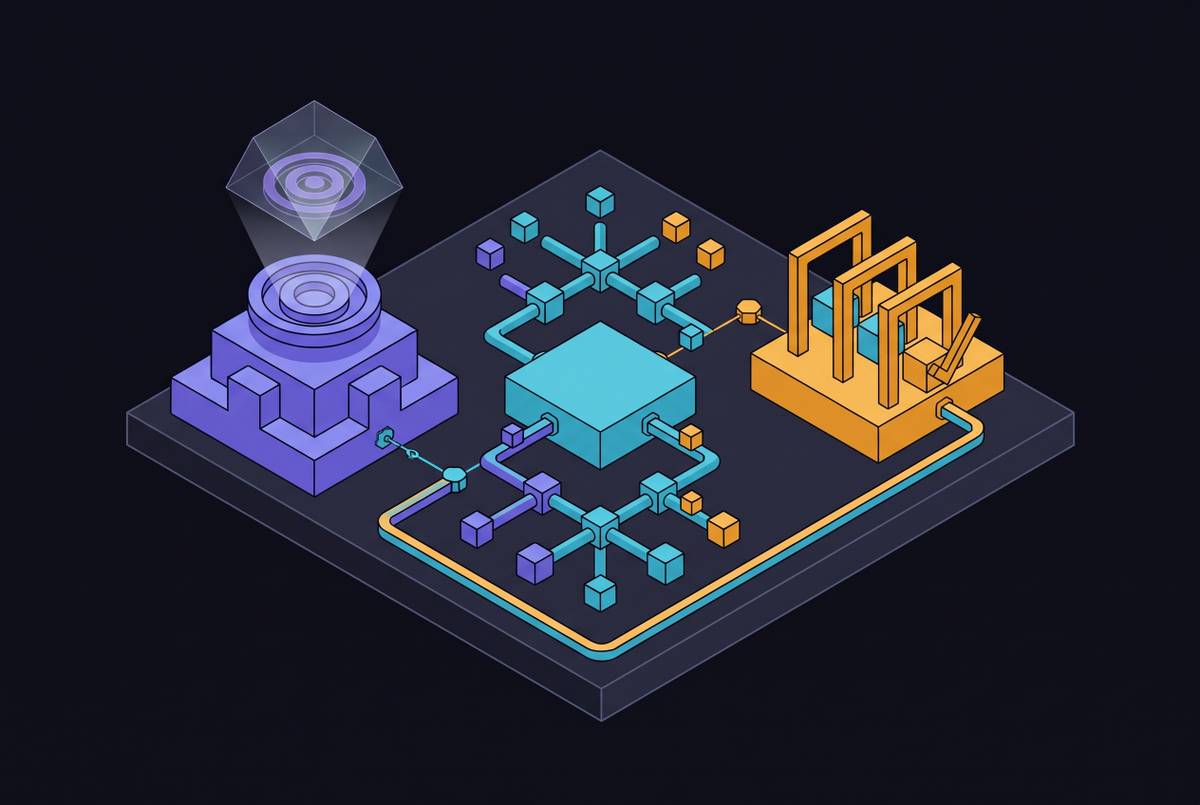
Authorising an agent to act depends on a structured record of verification. Each check needs a result of pass, fail, or inconclusive, together with the actual system response that supports it. Uncertainty must stay visible in that record. The record also states what was not confirmed. That way, approval does not silently treat an untested assumption as an accepted fact.
The permission setup must be kept with those results, including the scopes, credential type, and issuing authority. For each data shape difference, the record must state whether it was resolved or remains a known gap. The connector model version must show exactly what was tested. Approval attaches to that version. If the connector changes, you must re-verify before agent use resumes.
Nodes Connector is one option built to construct private connectors from API documentation and specifications before live access is available. This makes the integration defined and testable before customer-environment verification begins. Its decision records connect verification evidence to authorisation, making that record part of the decision to permit agent use.
The record must name the reviewer who approved the result and authorised the connector. Without that evidence, your organisation cannot reconstruct what was tested, what was known, or why agent access was permitted when something goes wrong. In regulated settings such as financial services, insurance, and healthcare, the record helps meet audit requirements to document the controls on how AI can access production records.
Approval also has a time boundary because verification describes a particular setup at a particular point. If the target API version, login configuration, or permission model changes, re-verification is required. The oversight layer must surface those changes. Otherwise, a connector marked verified could keep running against a system different from the one the record describes.
What agents are permitted to do once the connector is verified and authorised
An authorised connector gives an agent a defined channel for approved actions. The agent can call only the endpoints covered by verification. It can act only under the authorised permission scope. The agent cannot discover new access at runtime to expand that grant. Business rules and approval policies continue to govern what may happen through the connection, even when the technical path works.
Recurring actions must still follow the permissions and policies in force at the time. An action outside those limits needs a person's approval before it runs. No exception is made while it is running. Actions that have a high impact or are hard to reverse need a named human reviewer to approve them before they proceed, even if the connector has already passed verification. Examples include updating customer records, sending regulated communications, and modifying financial data.
Runtime monitoring watches for behaviour that a static verification run cannot predict. Calls that happen more often than expected, access to a broader set of records, or an unexpected rate of errors can trigger a review before the agent continues. Verification is a precondition for governed work. It does not replace the controls that keep that work within its approved limits.
A design that is not tied to a specific AI model or system also separates the verified connection from the AI model using it. Introducing a new model does not require rebuilding the connector or its permission setup. The model uses the same authorised channel. Its quality and cost are evaluated against the workload, while the connection's established access boundary stays in place.
The team stopped at the network perimeter can now reach a legitimate deployment decision. Only at that point is a reachable system also a system the agent is permitted to use.