How to Connect Legacy Systems to AI Workflows via APIs and File Exports
Live APIs suit real-time decisions; file exports work better for batch analysis and training.
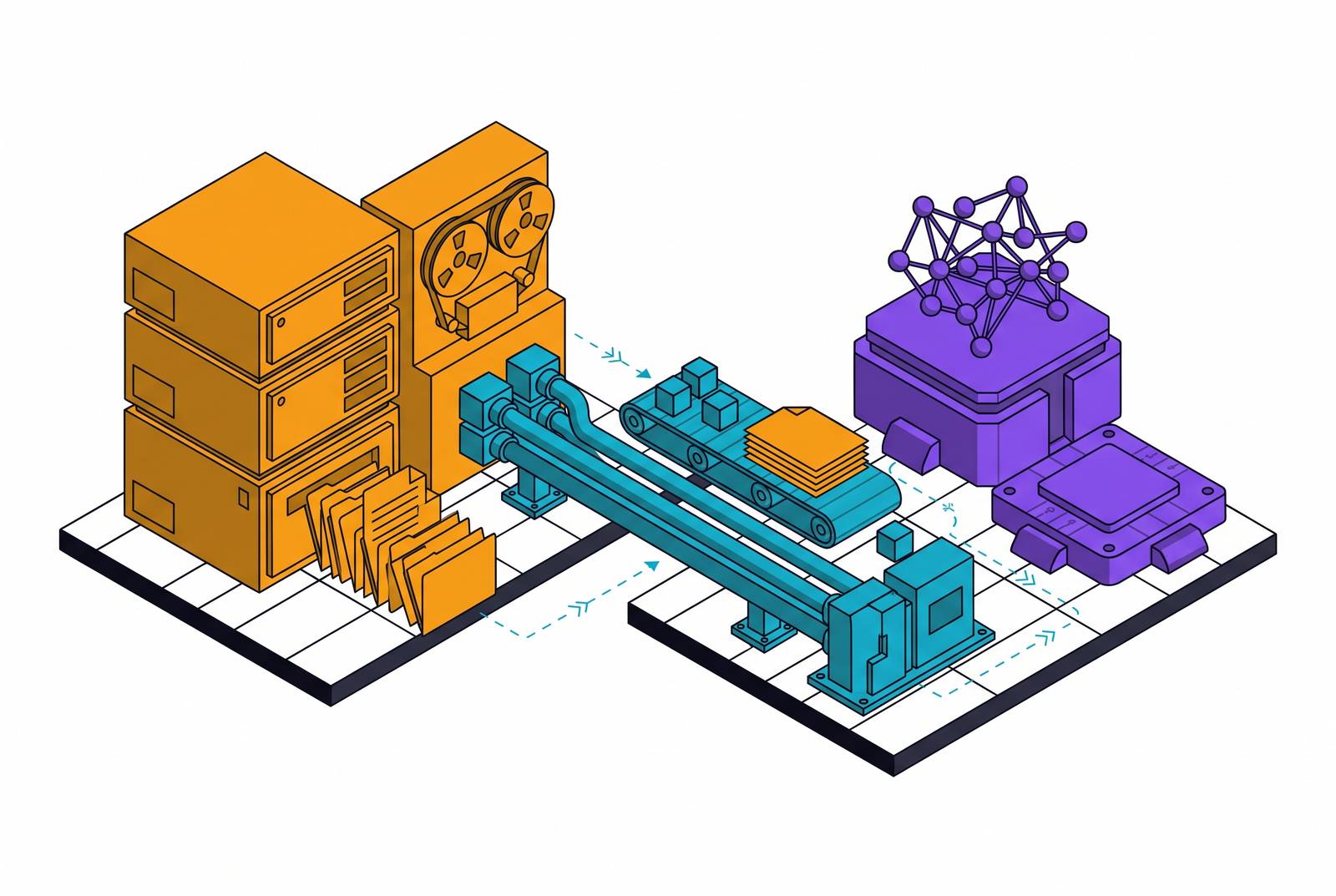
To connect an older business system to an AI workflow, you have two main options. You can give the AI a direct line in through an API (a live connection that lets programs talk to each other). Or you can send it a copy of the data as a file export. Neither option is always better. The right choice depends on how quickly the AI needs the data, whether it needs to write anything back, and what your security rules require.
Why older systems still hold the data AI needs — and why connecting them is hard
Older systems like mainframes and legacy ERPs (large software packages that run core business operations) often hold the most important records a company has. Replacing them is rarely practical. The whole business may depend on exactly how they behave.
The technical connection is usually possible. The harder problem is often human. The person who keeps that system stable has little reason to accept new risk. Having a senior sponsor helps. A named person who owns the AI workflow gives the team a way to settle that conflict.
How can an enterprise connect legacy systems to AI workflows through APIs and file exports?
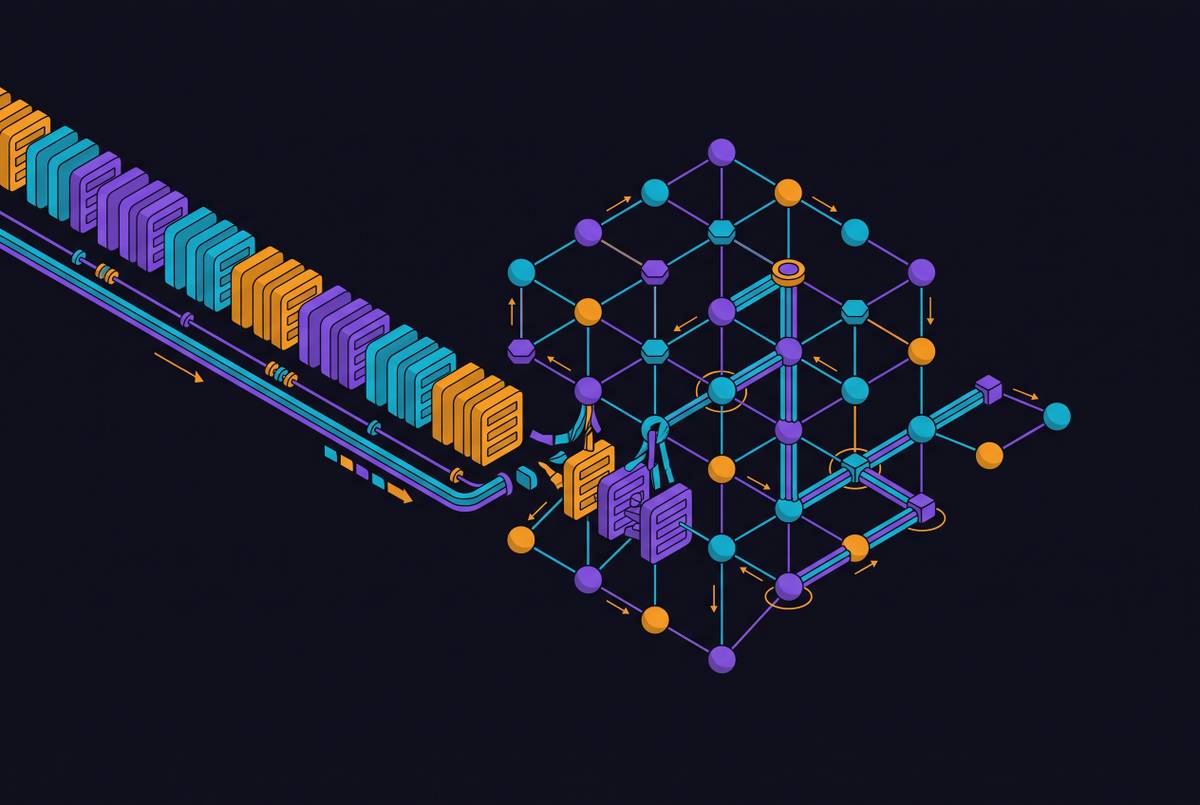
An API lets the AI ask the older system for data or trigger an action on demand. The system responds in real time. An API wrapper exposes those features without rewriting the system underneath. A gateway sits in front and handles security checks, retries, and queuing.
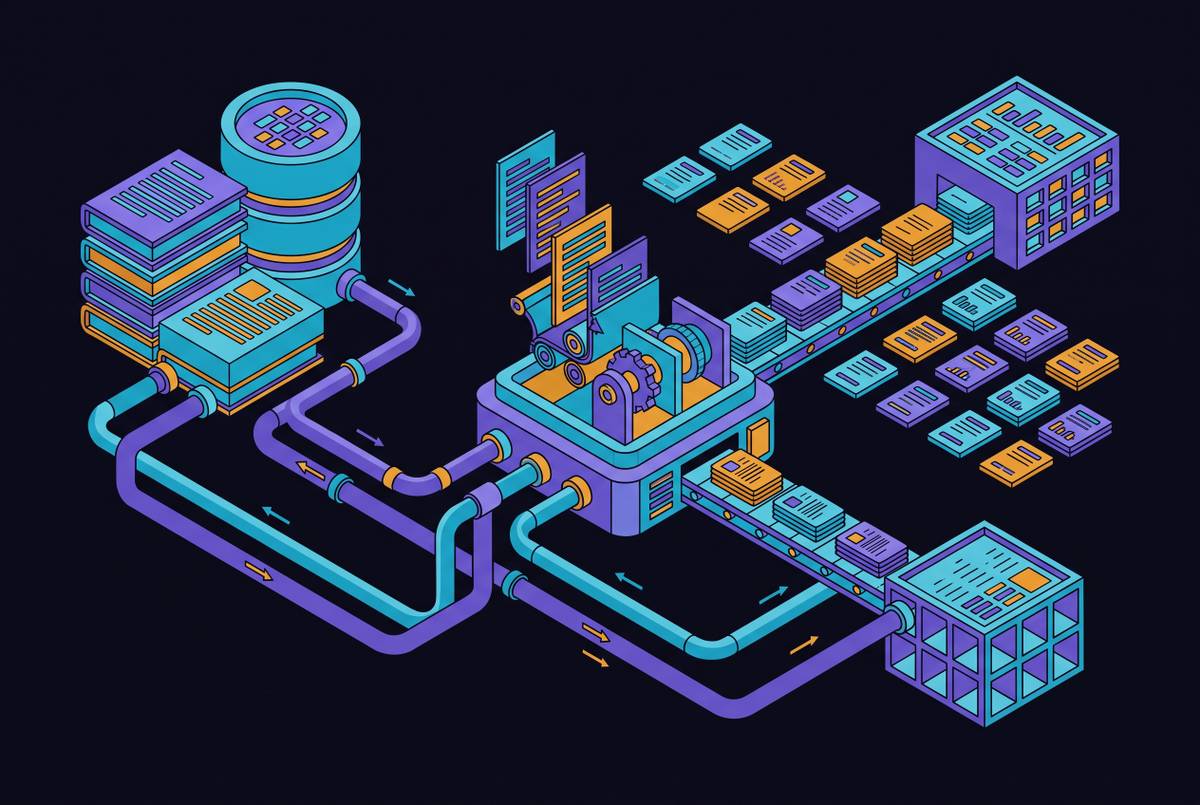
A file export works differently. It moves a copy of the records into a holding area — such as a data warehouse — where the AI works on that copy. The original system stays untouched. If the AI produces a result that needs to go back into the original system, a separate step must carry it there. This suits large batch jobs and older systems that have no live connection option.
An event-driven bridge is a third option. It watches for changes in a database or log file and passes those changes through a message broker (a relay service) to the AI workflow. That way the AI does not have to keep asking the system for updates. Where none of these options exist, robotic process automation — software that mimics what a person does in an interface — can fill the gap. It is fragile, though, and should be a last resort.
Choosing between a live connection and a file copy: five questions to ask first
Five things shape the decision. How quickly does the AI need the data? Does it need to write anything back? How much load can the older system handle? How sensitive is the data? And what audit rules apply?
Fraud detection, live case routing, and real-time decisions need a live API connection. Model training, batch analysis, and overnight reports can wait for a file export.
If the AI needs to update a live record, a file export will not do that. You need a live connection or a dedicated write step. If running extra queries would slow the original system, a copy in a separate holding area can absorb that load instead.
Sensitive data — patient records, financial transactions, and personnel files — needs a record of who accessed what, when, and why. That is true whatever route moves the data. Rules such as HIPAA, SOC 2, GDPR, and FIPS (each a set of legal or regulatory requirements) set out what controls must be in place before data moves. A connection method is only suitable if its controls meet those requirements.
Four connection patterns that work in practice
An API wrapper or gateway suits a stable older system where some of its data or actions need to be shared outside it. Middleware (software that sits between systems) handles the connection rules and queues requests when the source is unavailable. The weak point is load: the wrapper does not make the underlying system able to handle unlimited requests.
A sidecar places the AI service alongside the older system. The AI can classify documents, summarise cases, or score transactions while the core system stays unchanged. The AI layer can be swapped out on its own. The risk is that the hand-off between the two becomes undocumented over time.
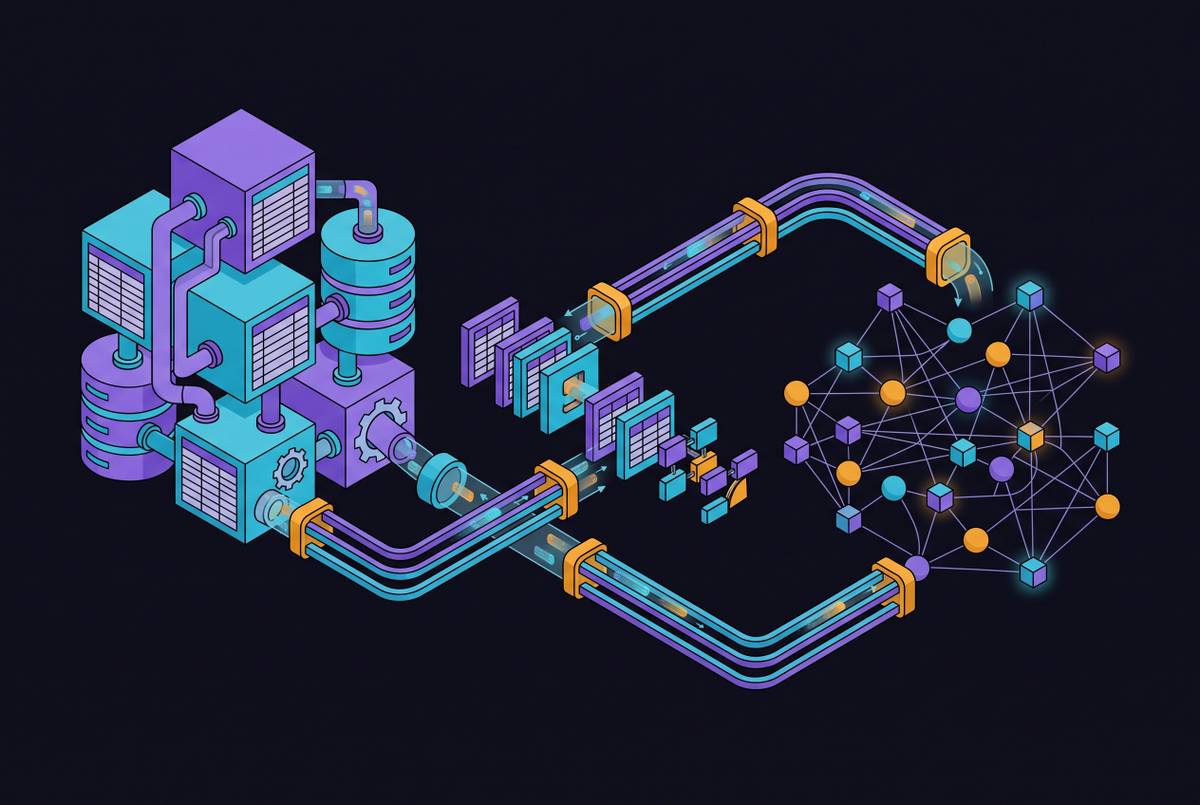
An ETL pipeline (a process that extracts data, reshapes it, then loads it into another store) copies legacy records into a holding area for batch analysis. It keeps that work separate from live transactions. Its quiet failure mode is bad input: flaws in the source data can reach the holding area even when no technical error is visible.
An event bridge suits workflows that need to react when something changes in a database or log. The AI does not have to keep asking the system for updates. Events pass through a message broker to the AI workflow. The weak point is structure changes: if the source changes its data layout, the listener can break without warning.
Data quality is where most connections quietly fail before the AI ever runs
A technically correct connection can still produce bad AI output if the underlying data is bad. Duplicate records, inconsistent formats, missing labels, and undocumented business rules all survive the move to a new platform. An inconsistency that an older system handles silently can mislead an AI model that has no knowledge of that system's internal rules.
The preventive work starts at the source. Document what each system holds, how often records change, and which other systems depend on them. Check quality before connecting. Test network paths and bandwidth too. Firewalls or security rules that block the intended cloud or private network path can force a redesign if you find them late.
A person's application, licensing progress, and support history may each be correct in their own system but have no link to one another. A context graph (a connected map of related records) joins those records to the same person and workflow. It gives the AI the relationship between them. Checks on incoming data must continue, because older systems keep producing new data in old formats.
What controls at the connection point must cover — and what happens without them
When an AI reads regulated records without formal access controls and audit logs, it creates compliance risk before anyone checks its output. The connection must record what was accessed, when, by which automated process, and under what permission. Older login credentials need a clear, consistent way to be translated into the access controls the AI side uses.
Permission to read does not mean permission to write. Writing back to a live system needs its own boundary and its own log. This matters especially for actions that cannot easily be undone. Decide which actions require a person to pause and approve — payments, irreversible updates, messages sent outside the organisation, and movements of data across classification levels. That pause must sit inside the execution path. An unanswered approval request must stop the action.
NIST (the US National Institute of Standards and Technology) describes MANAGE 2.4 as a requirement for ways to pause, disconnect, or shut down AI systems whose results conflict with their intended purpose. The connection layer is where that authority becomes enforceable. Administrators must be able to pause work or remove access. Audit records must show what happened. Decision records — logs that capture the evidence, decision, action, and outcome — make that review more useful than a record that only shows a connection succeeded.
Where the connection runs and who controls the data
The choice of where to run the workflow depends on how sensitive the data is, what regulations apply, and how mature your team's operations are. The main options are a shared cloud, a private cloud environment (a VPC, meaning a dedicated slice of cloud infrastructure you control), or your own servers.
Public content and internal documents can run in a shared cloud. Customer personal data, identity verification records, credit data, and regulated health information point toward a private cloud environment or on-premises servers. A layered design separates workloads by their sensitivity. The most sensitive work can run on fully isolated, on-premises infrastructure. Lower-sensitivity work can use a private cloud environment where you control the encryption keys and audit storage. The contract must spell out where data is stored, who can access the model, what usage data is collected, who owns the outputs, and what exit rights you have.
The AI model should not lock you into one environment. When infrastructure or models change, you should be able to move the context graph, business rules, decision history, and permitted actions without rebuilding them from scratch. Otherwise, a migration becomes another integration project. When comparing environments, weigh workload quality, speed, risk, and the total cost of AI plus human work — not just benchmark scores.
Starting with one workflow: why a named process and an accountable owner is the right entry point
Programs that try to connect everything at once stall. Programs that move start with a named workflow and a named owner. Choose something with visible value, manageable risk, and well-understood data. Document automation, service operations support, and decisions that use structured records are good starting points. A defined scope makes access, deployment, and approval requirements answerable for a real process.
Before going live, the owner should agree a baseline, success measures, who is responsible for measuring them, and over what time period. User counts and query volumes do not show business value on their own. Cost accounting must include implementation, integration, AI usage, human review, correction, change management, and monitoring. Keep estimates separate from observed results. Keep time saved separate from cash savings.
Execution should follow validation. Running in shadow mode means comparing AI recommendations with the existing human process without acting on them. Before the AI acts on its own, assess plausible failures — how likely they are, what they would cost, whether they would be spotted, and whether they can be undone. Exceptions need a named reviewer who gets the full context, records a decision, and lets the workflow continue with that decision logged. An AI forward-deployed engineer's implementation role includes setting up and testing those workflows under the customer's own permissions and approval policies.
A documented example: hiring and licensing insurance agents using legacy system connections
Bringing on insurance agents involves personnel records, licensing checks, and support activity from separate systems. The insurance agents are human professionals, distinct from the software agents helping manage the workflow. Access is restricted from the start: NIPR (a national licensing organisation) and state DOI (department of insurance) verification connections serve authorised subscribers and industry participants only.
The connection pattern begins with a signed offer letter. Licensing checks, carrier appointment paperwork, system access, training enrolment, and email setup can then run in parallel. Progress is visible to the agency principal. AI checks applications against licensing databases and flags missing information before it holds up the process. Those actions still need controlled access and an audit trail.
Nodes describes three workflows running at one Fortune 1000 insurance carrier for hiring, licensing progress, and educational support. Its platform reads existing systems first and nothing moves forward without a person's approval. That offers one way to surface what is happening across separate systems without rewriting the core.
The company says it checks candidates against profiles of top performers in each location, sends approved licensing reminders based on each person's latest activity, and has an educational assistant that adapts to their progress and preferences. Its platform can run in the customer's own cloud environment, on the customer's own servers, or in Nodes Cloud. The customer keeps its data and what it has learned even if it changes AI models.
What keeps a connection useful over time rather than adding to the problem
A connection stays valuable when you keep what you have learned, even if models or vendors change. You should own a connected map of company records, business rules, and decision history, and measure outcomes against agreed baselines. Decision records connect evidence, recommendations, human reasoning, approvals, actions, and outcomes — including failed or inconclusive results — with corrections attached and changed conditions checked before lessons are reused.
Governance must grow with the programme, carrying existing controls into each new workflow. Teams need current approvals, quality standards, risk limits, budgets, and named exception owners, backed by cross-functional authority to pause or reject deployments. Evidence should come before expansion. The first findings offer finds at least $1M in potential savings within 72 hours of complete agreed data access, or the fee back, for US companies with more than 2,000 employees, with findings, assumptions, gaps in the evidence, and estimates of what action or inaction would cost over an agreed measurement period. That estimate covers potential value only, with measured savings and production deployment timing still to be established.
The lasting asset is your ability to use accumulated context and past decisions under current controls, then learn from measured results.