Graph Schema Migration Without Downtime: A Plain Guide
Copy data while running old and new schemas together to avoid any downtime.
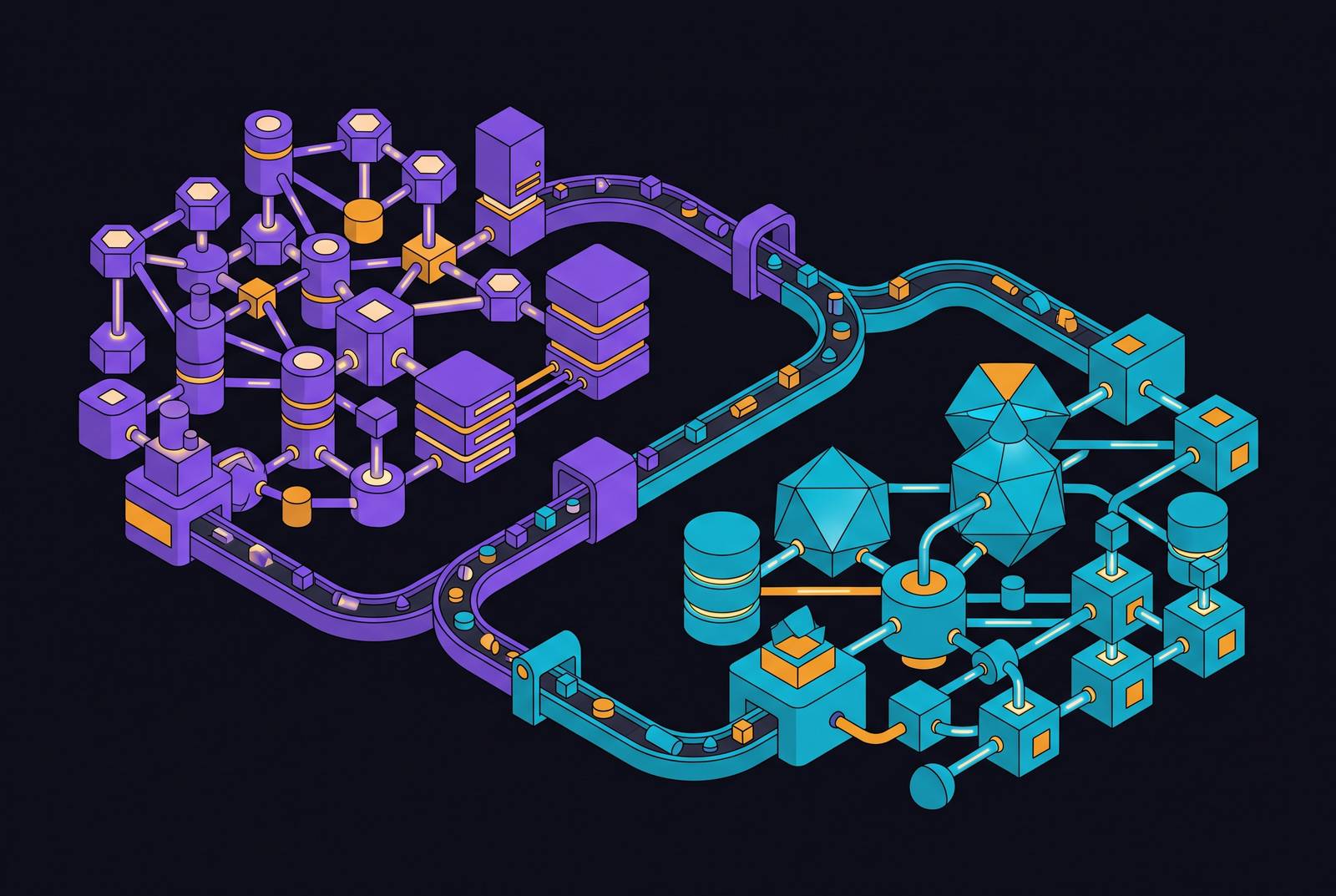
To change a graph database schema without taking your site offline, add the new structure first. Then copy old data into it. Remove the old structure only after everything works. Old and new versions of your app code must be able to run at the same time. Schemas that do not work together need separate database instances.
Why changing a graph database schema breaks things differently than a regular database
A regular (relational) database stores data in rows and columns. A graph database stores data as nodes (things) connected by edges (relationships). When you change how those connections are defined, existing queries can break. A column-level change would not reveal these problems.
Optimizely's CMS 13 migration documentation gives a clear example. A CMS 12 site and a CMS 13 site cannot share one Graph instance without first migrating its schema. The upgrade changes what Graph indexes and how that data is shaped. Queries can fail or return the wrong result. This is a hard structural limit.
Removing a node label (the name that describes a thing in the graph) can break every query that refers to it. Changing an edge type (the name that describes a relationship) can remove the route a query depends on. Neither problem shows up as a simple lock or error the way a column change does. Deploying new code and then running a schema change, in that order, misses the key question: do the existing connections still mean what they meant before?
The expand-then-shrink approach: the right way to manage graph migrations
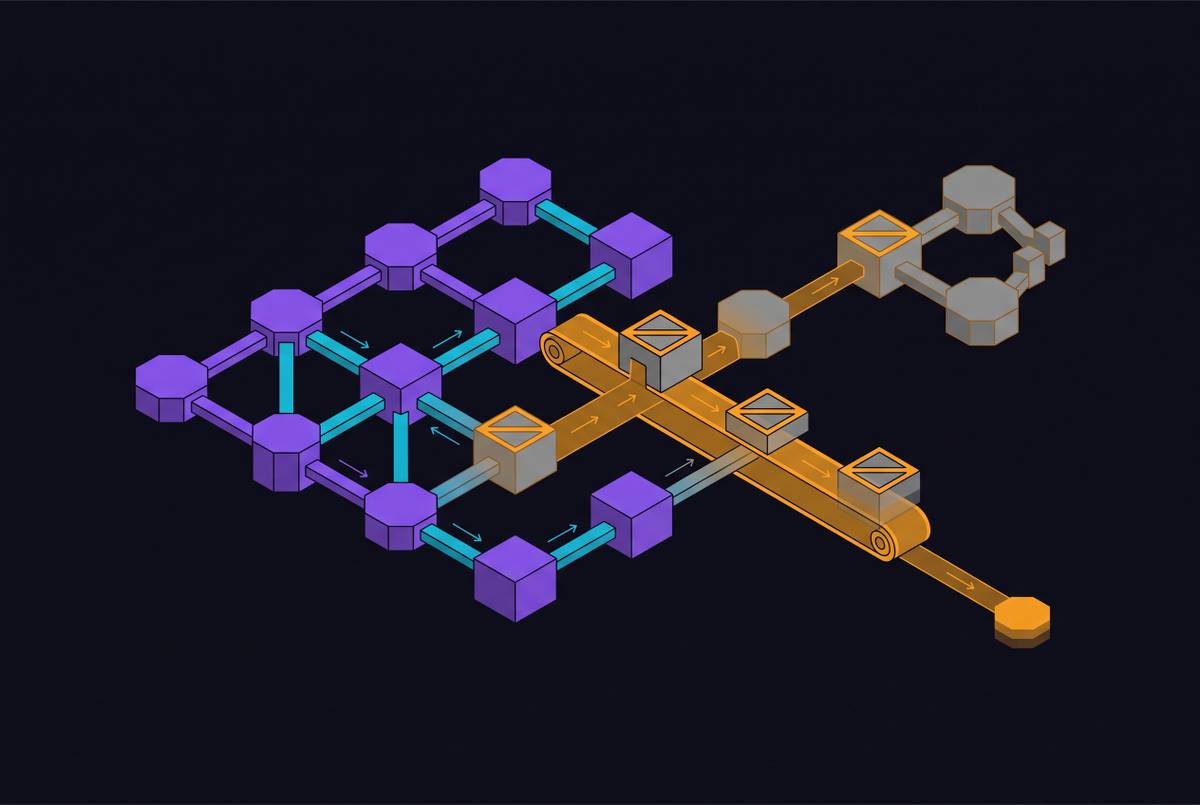
Expand-contract, also called parallel change, plans for the states between the old schema and the new one. First, expand: add the new structure without removing the old one. Next, copy old data into the new structure in the background while keeping both versions working. Finally, contract: remove the old structure only after the new one has been proven. This sequence works with rolling deployments, where old and new app code run at the same time.
One rule applies in both directions. The schema must never require code that has not yet been deployed. Deployed code must never require a schema change that has not yet landed. Even a small change takes careful steps. To rename a single column in a regular database safely takes at least four steps across two releases.
Removing the old structure comes last because it cannot be undone. Until that point, keeping the old path available means you can roll back. A feature flag (a switch in the code that controls which version runs) on the read step lets you flip back right away without a full redeploy. The migration is not finished when the new schema exists. It is finished when the old one is no longer needed.
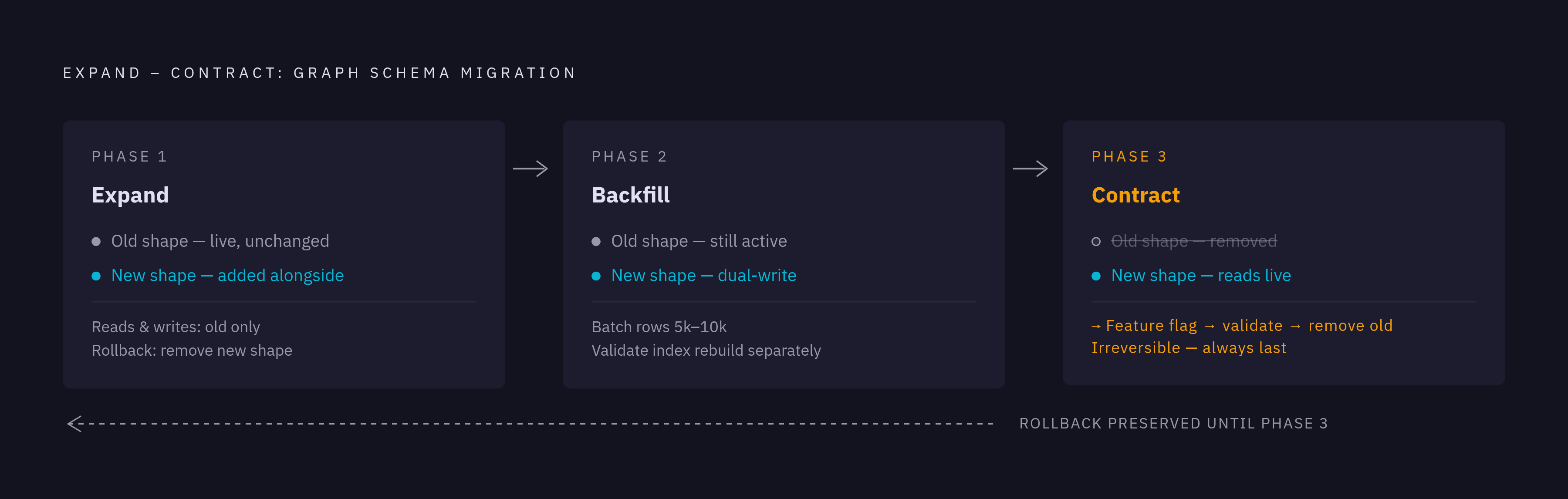
How to apply the expand-then-shrink approach to nodes, edges, and properties
For a node type, adding a new one leaves existing queries intact. You can deploy it without the full transition sequence. Renaming a node type in one step is unsafe because old query code still refers to the old label. Instead, add the replacement while keeping the old node type. Write to both. Copy the existing data across. Switch reads only after checking results. Then retire the old shape last.
An edge needs the same sequence, but checking must address the relationship's meaning. Renaming or retyping it without a transition removes the relationship that existing queries expect. Add the replacement edge type while keeping the old one. Write to both. Copy existing relationships across. Before switching reads, check that queries using the replacement return correct results. The presence of new edges alone does not confirm that the new query path works.
A new optional property (a data field attached to a node) leaves existing clients free to request the fields they already use. Changing an existing property's type, whether it can be empty, or its default value is not the same as a simple addition. Add a replacement property with the definition it needs. Write to both. Copy old data. Switch reads before dropping the old property. Where the business requirement allows a purely additive change, that is the simpler path to choose.
Copying old data safely without slowing down live traffic
Copying old data into the new structure puts the plan under real load. A compatible schema does not protect live traffic if the data-copying work fills up storage or holds locks. Run the work in controlled batches, typically 5,000 to 10,000 rows at a time, with pauses that leave room for live queries. Make the job resumable so a failure or deployment does not force it to process the whole graph again. Track progress, errors, and lag the whole time.
Graph indexes (the internal lookup tables that make queries fast) introduce a separate completion point. Dgraph, one graph database system, rebuilds an index in the background after a schema update, while the schema itself updates in memory right away. Queries that use the new index shape may return only part of the results until that rebuild finishes. How far the data copy has got does not show whether the index is ready. Both the query load and the index rebuild belong in your check of whether live traffic still has enough capacity.
Run the data copy as a separate job, independent of app startup. Otherwise, a long migration holds up the rollout. You end up depending on how well the data move goes. A very large graph may take hours or days to copy while the app keeps serving traffic. That duration is fine because reads have not yet switched. Before they do, count, sample, and check results under production-level query patterns. Watch index completion separately.
When to use a fresh graph instance instead of changing the existing one
Some breaking changes have no backward-compatible middle state. In that case, starting a new graph instance is a valid first-class migration path. Optimizely's CMS 13 documentation recommends keeping the live CMS 12 site on its existing Graph instance. The CMS 13 deployment slot uses a newly provisioned instance. Each version has the schema it needs, so Graph has no downtime during that transition.
The same documentation makes the trade-off clear for the alternative. Smooth Rebuild on the existing instance requires the site to be fully offline behind a static maintenance page. The normal zero-downtime read-only or read-write modes cannot work with the breaking schema change. Choosing in-place migration decides where downtime must be taken.
Use in-place expand-then-shrink when you can break the change into compatible additions. Use a new instance when the shapes do not work together, when a platform upgrade changes what the graph indexes structurally, or when access credentials need a forced update. Optimizely's retirement path rotates keys after a grace period. It then permanently deletes the old instance after a further grace period, defaulting to 30 days. The first stage deliberately shows forgotten consumers before permanent removal. For either path, rehearse in a lower environment to see how long copying or rebuilding takes before planning the production window.
Keeping your API stable while the graph changes underneath
GraphQL is a way of asking a database for exactly the data you need. A GraphQL schema in front of the graph is another contract with the people using your API. Adding fields keeps existing queries working because clients request only the fields they declared. Removing fields takes away something those clients may still need. Use GraphQL's built-in deprecation feature (a way of marking a field as old without removing it yet) to keep old fields available while consumers move. Deprecation gives consumers time to move, but the database still needs its own data migration work done.
The two layers must change in a coordinated order. Expand the underlying graph first. Then update the GraphQL type to show the new shape while keeping the old one. Check that both old and new GraphQL queries return correct results before moving consumers away from the old fields. If either layer gets ahead of the other, queries can return wrong shapes or fail silently. Deprecate and eventually remove old fields in step with the underlying transition. Wait to remove fields until consumers have migrated.
Treating schema migrations as production actions, not casual scripts
A production migration changes live data and query behavior. It needs a named owner and a documented plan before it runs. Treating it as a quick developer script leaves the hardest decisions outside the release process. A risk-based review puts blocking policy checks, a rollback plan, an evidence record, and a named approver around the change. These controls matter because a failed migration combined with a failed deployment can turn a recoverable problem into a serious incident.
Log who and what ran the migration. Record the permissions used, the operations done, the approval decision, and the outcome. Failed and unclear runs belong in that record too. Permission limits must also match the work. A job that reads the graph to check the new shape should not automatically have permission to write. Checking and changing are separate grants.
What automation can and cannot own in a graph schema migration
Automation fits the repeatable parts of the process. This includes detecting schema drift, generating scripts, running data copies, and watching progress. That does not mean automated tools should have open-ended authority over production schemas. A wrong operation may not be reversible, especially during the removal phase. Let tooling use approved operations in controlled steps. Do not give it direct production credentials or permission to make any schema changes it wants. A person approves each production step within limits they set.
Those limits need working controls. Use allowlists to restrict which operations are permitted. Keep permissions within the scope of the migration. Require a person to approve each move from one phase to the next. Provide ways to pause, escalate, roll back, and check what was done. The named owner must be able to stop or reverse steps, inspect completed work, and decide whether to continue or roll back. That control cannot belong only to the engineers who built the tooling.
A practical starting point is automated investigation and recommendations. Let the tooling find needed changes, suggest a broken-down sequence, and estimate the risk of each step. Then a person authorizes each phase as quality and reversibility are confirmed. Automation can grow as trust is built, but its authority should stay explicit.
A step-by-step checklist for migrating a graph schema without downtime
This checklist matters because of its order. A safe operation can still break production if it runs too early. Each phase must leave things ready for the next. Start by classifying the change as additive, backward-compatible, or breaking. Then choose in-place expand-then-shrink or a separate instance. Name the owner, document rollback, and check for hardcoded schema references in app code, GraphQL types, webhooks, and scheduled jobs. Rehearse the full sequence in a lower environment. Measure data copy and index rebuild time.
During expansion, add only things that leave the old shape as it is. Deploy code that writes to both old and new shapes but keeps reading the old one. Put the future read-switch behind a feature flag so you can reverse it without a redeploy. Then run the data copy as a separate, throttled, resumable, and observable background job. Track when the index rebuild finishes separately from the data copy. Check that results are complete before moving reads.
At the read-switch, use the feature flag to select the new shape. Watch for errors, changes in speed, and queries that behave in unexpected ways for a set period. Keep the old shape available and writes active to both until that check is complete. Only then stop writes to the old shape and remove it. Keep the irreversible removal last. Keep corresponding GraphQL deprecation in step with the graph change. Remove old fields only after consumers have migrated.
Finally, keep a decision record for each move from one phase to the next, including the removal phase. Record what ran each step, the permissions used, the outcome, and any exceptions or corrections. The sequence protects this deployment. The evidence makes each later migration cheaper to plan and safer to run.